
Tap or scan.
Open your page.
Help customers reach your Google or Tripadvisor review page, or find your business on social media.
Three simple steps
Choose your product
Pick your card or plate and share your business details. We set it up for you, ready to use on arrival.
Tap or scan
Customers tap a compatible phone, or scan the QR code where provided, to open your page.
They choose what comes next
Customers decide whether to leave an honest review, follow your business or explore your page.
Video loading…
Your business.
One easy link.
Choose a review or social media product for the page you want customers to visit. digiplate makes that page easy to find, with no searching or typing.
Open video in a new tabFrom your order to ready to use
- Choose your design. Select a card or plate and the pack size you need.
- Add your business details. Complete the fields on the product page, including your review link or social handle where requested.
- See your custom design. For customised products, we arrange your logo and send you a design preview before printing.
- Open it and start using it. We fully set up your product for your business. It arrives ready for customers to tap or scan, with no programming for you to do.
Two ways to connect
Tap with NFC
Hold the back of a compatible phone close to the tap symbol. Open the notification to visit your page.
Scan a QR code
If your product has a QR code, open the phone’s camera, point it at the code and tap the link that appears.
No digiplate app is needed. An internet connection is required, and the review or social platform may ask the customer to sign in.
Need help getting the tap to work?
Unlock the phone, move it slowly around the tap symbol and check that NFC is switched on where needed. Try the printed QR code if available, or contact us for help.
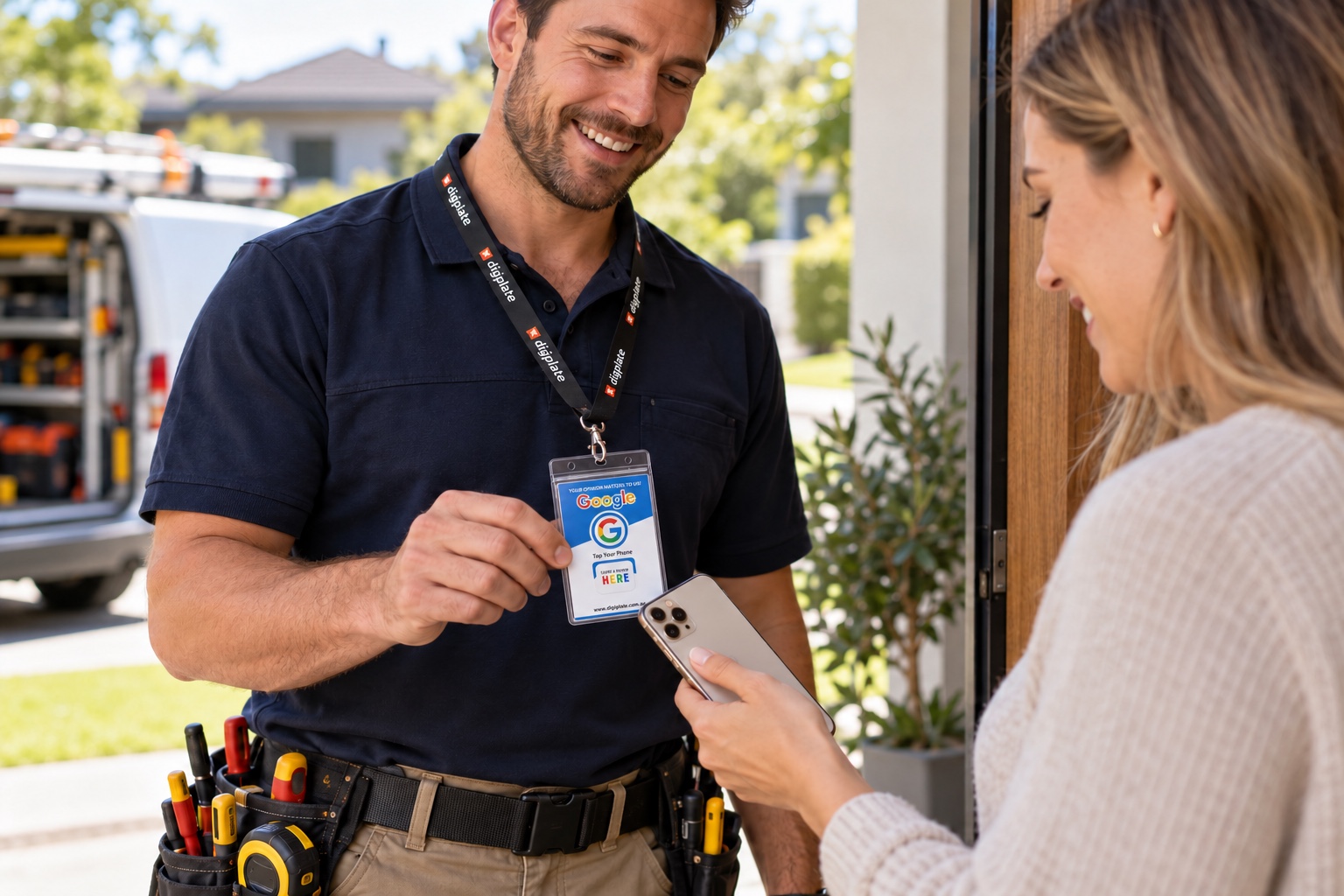
Make it part of the conversation
Place your digiplate where customers can easily reach it—at the counter, on a table or at reception. For mobile services, keep a card handy for the end of a visit.
A friendly invitation is enough
“If you’d like to share your experience, you can tap or scan here.”
Offer the same invitation to every customer, with no pressure or rewards. Their rating and comments are always their choice.
Keep the link working
Check your digiplate when it arrives and whenever your business page changes. If the link needs attention, our team can help.
Shop review products →